For construction companies & contractors · Office and field
SharePoint & Microsoft 365 for construction companies
On a busy project, the wrong drawing revision on site costs real money. Yet drawings, RFIs, site photos and inspection forms often live across email, phones, paper and someone's laptop, and the field team can't always reach the latest version.
I set up Microsoft 365 around how construction projects run: the same project site for every job, one clear current version of every drawing, and field forms your team fills in on their phones with Power Apps, with approvals handled by Power Automate. It's built inside the Microsoft 365 you already pay for.
Sounds familiar?
Signs you need this
- —Nobody is completely sure which drawing revision is current.
- —Site photos and inspection notes stay on people's phones.
- —RFIs, variations and approvals are buried in email threads.
- —Every project manager sets up project folders differently.
- —Subcontractors and clients get documents by attachment, not secure links.
What you get
What I set up for you
A project site for every job
The same structure for every project (drawings, RFIs, submittals, health and safety, photos, handover), created from a template so each job starts organised.
One current drawing
Version history on every file and a clear status column (current, superseded, for review), so the team always opens the latest revision.
Field forms on phones
Site inspections, daily logs and incident reports in a Power Apps form on your team's phones, with photos saved straight to the right project.
Approvals that don't get lost
RFIs, variations and timesheets routed for approval with Power Automate, with every decision recorded against the project.
Secure sharing with partners
Subcontractors and clients get access to their own project folders only, set up for Microsoft's new guest-access rules.
A company hub
Policies, safety documents, forms and company news in one place, reachable from the office and the field.
How it works
Four steps, no surprises
- 01
Discovery
A free call about your goals, your bottlenecks and your existing tenant.
- 02
Design
Site structure, permissions and page layouts agreed before anything is built.
- 03
Build
Delivered in days, inside your own Microsoft 365.
- 04
Launch & train
Rollout, short training for your site owners, and support after go-live.
Examples
Related work
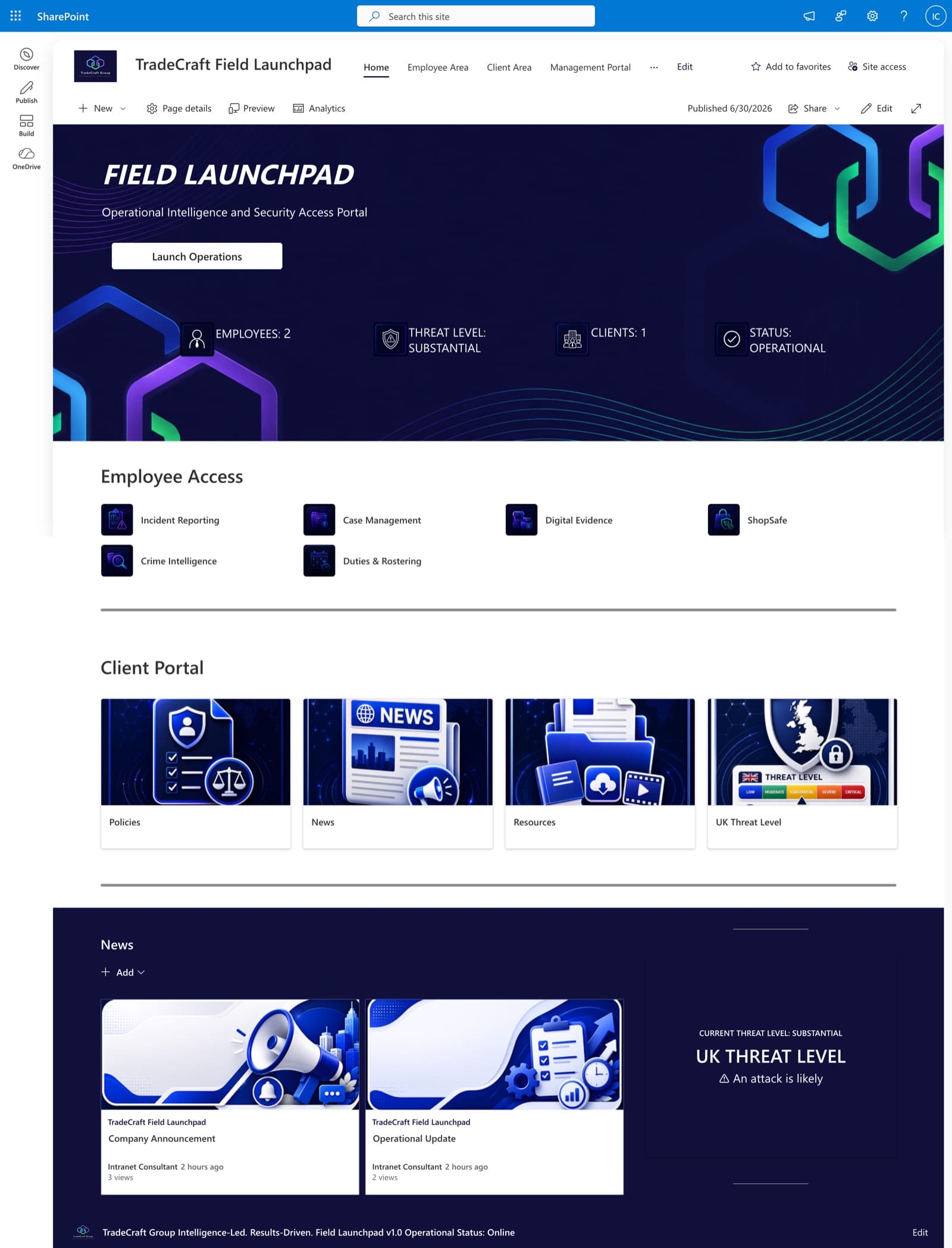
TradeCraft Field Launchpad
A secure operational intranet serving employees, management, and clients — role-based portals, live operational status, and centralized intelligence resources.
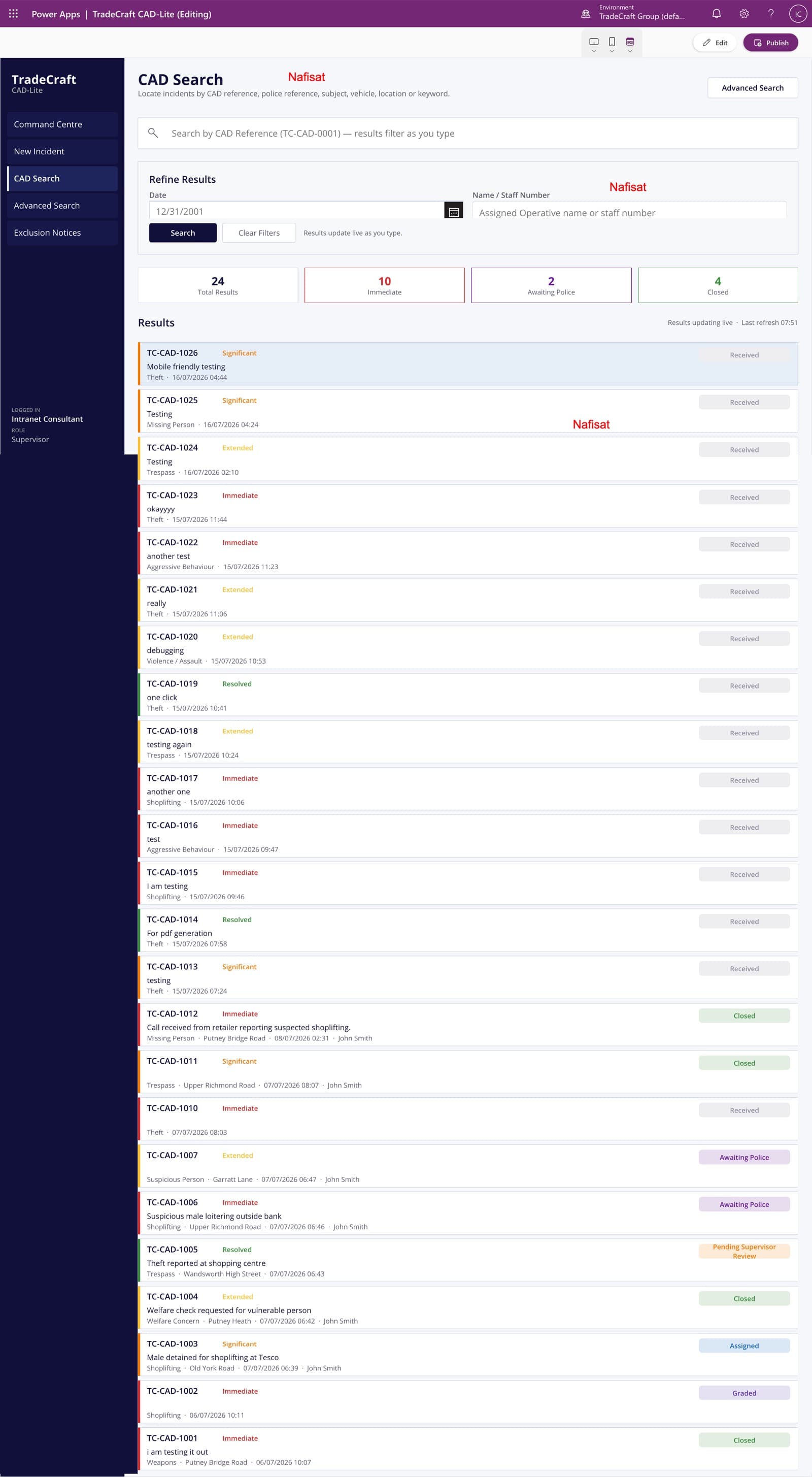
TradeCraft CAD-Lite
A computer-aided dispatch and case management app — incident logging, live search and grading, supervisor approvals, and automated exclusion notices.
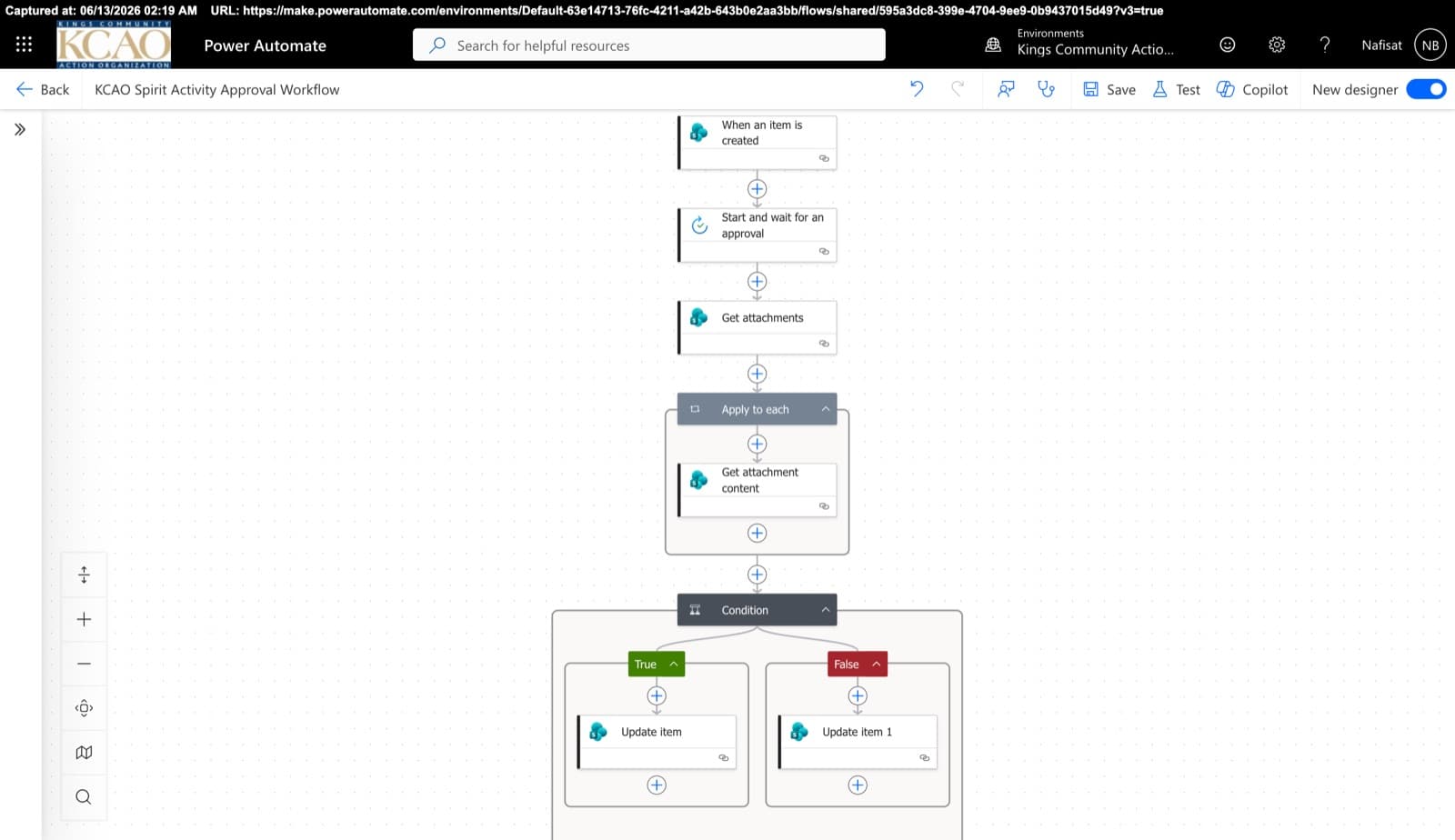
Approvals & Scoring Automation
Automated flows powering the Spirit League and document approvals — attachment handling, multi-stage approvals, and conditional list updates across SharePoint.
Questions
Common questions
Can our field team use this on their phones?+
Yes. SharePoint, Teams and Power Apps all have mobile apps, so site staff can open the current drawings and fill in forms on their phones, with photos attached.
Does this replace our construction management software?+
Not necessarily. Larger contractors often keep a dedicated construction platform and use Microsoft 365 for everything around it. Many smaller contractors run projects well on SharePoint and Power Apps alone. On a free call I'll tell you honestly what fits your firm.
Can subcontractors see only their own documents?+
Yes. Each subcontractor or client can be given access to their own project folders only, with the sharing settings you choose.
How does pricing work?+
Every project is fixed-price, agreed before any work starts, so there are no surprise invoices. After a free 15-minute call I send a clear quote with what's included and the timeline.
Can you work with us remotely?+
Yes. I'm based in Ibadan, Nigeria and work remotely with businesses worldwide. We meet on video calls and I build directly inside your Microsoft 365.
Free download · PDF
The Microsoft 365 Setup Checklist
9 steps to set up SharePoint, permissions and security properly, as a printable tick-box list. Starting fresh or tidying up years of “we'll sort it later”.
Further reading
- Clients Can't Open Your SharePoint Links? What's Changing This Month and How to Fix ItMicrosoft is retiring the one-time codes that let outsiders open SharePoint and OneDrive files. Clients, accountants and contractors without a guest account will start seeing “access denied”. Here's who's affected and the five-minute fix.
- 5 Signs Your Business Has Outgrown Shared Drives (and What to Do About It)Emailing files around, chasing approvals, retyping the same data? Five signs your business has outgrown shared drives and spreadsheets — and how Microsoft 365 fixes each one, fast.
- You're Paying for Microsoft 365. Here's What Setting It Up Properly Actually Looks LikeMost businesses use Outlook and Teams and leave the rest of Microsoft 365 untouched. A practical, nine-step checklist for setting it up properly — whether you're starting fresh or have been on it for years.
Want every project organised the same way?
Book a free call. We'll look at what you have and what you need.
Book a free call