For wealth managers & financial advisers · New and independent firms
Microsoft 365 & SharePoint for wealth management firms
Going independent means setting up everything your old firm used to provide, often in a few weeks. Client files, onboarding paperwork, review notes and approvals all need a secure home on day one, and every adviser needs to find the right document fast when a client calls.
I set up Microsoft 365 around how an advisory firm works: a secure folder for every client household, onboarding and approvals that move themselves with Power Automate, and permissions that keep sensitive information where it belongs. It works alongside your CRM and compliance tools, inside the Microsoft 365 you already pay for.
Sounds familiar?
Signs you need this
- —You've just gone independent and Microsoft 365 is switched on but not really set up.
- —Client documents live in email, personal OneDrive and the CRM, all at once.
- —Onboarding a new client means chasing forms and signatures by email.
- —You're not sure who in the firm can open which client files.
- —Clients struggle to open the documents you share with them.
What you get
What I set up for you
A secure folder for every household
The same structure for every client household (onboarding, reviews, statements, correspondence), so any adviser or assistant can find the right document in seconds.
Onboarding without the chasing
New-client checklists and approvals routed with Power Automate, so every account opening follows the same steps and nothing is missed.
Permissions you can explain
Access by role and group, restricted areas for compliance and HR, and a simple record of who can see what.
Secure client sharing
Client sharing set up for Microsoft's new guest-access rules, so clients can open the documents you send without attachments flying around.
Version history and retention
Version history on every file and, where your plan includes it, retention settings matched to the periods your compliance team specifies.
A firm intranet from day one
A home page with policies, procedures and forms in one place, so new staff know where everything lives from their first week.
How it works
Four steps, no surprises
- 01
Discovery
A free call about your goals, your bottlenecks and your existing tenant.
- 02
Design
Site structure, permissions and page layouts agreed before anything is built.
- 03
Build
Delivered in days, inside your own Microsoft 365.
- 04
Launch & train
Rollout, short training for your site owners, and support after go-live.
Examples
Related work
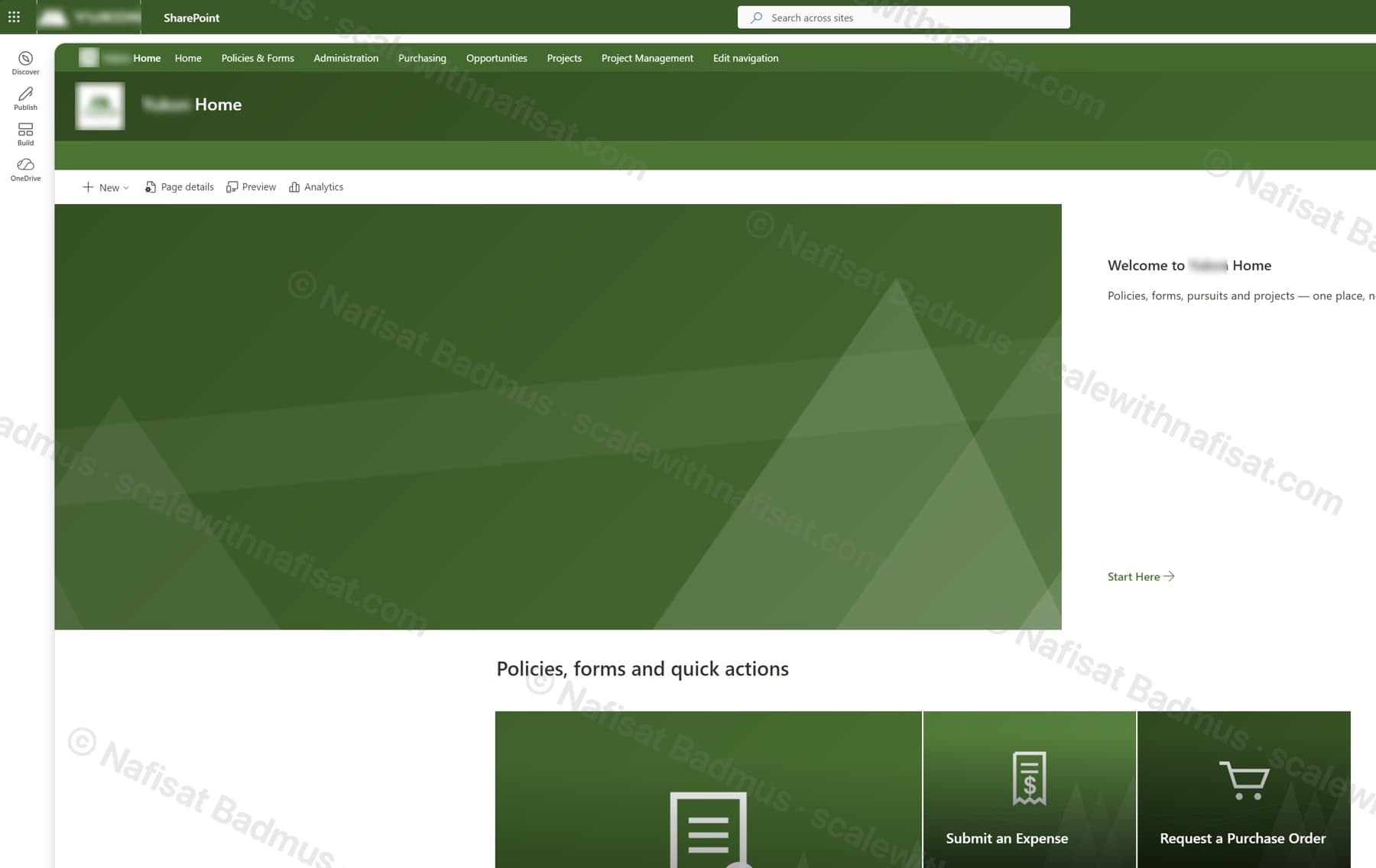
Business-Ready Microsoft 365 Intranet
An untouched Microsoft 365 tenant turned into a branded company intranet — seven sites on one hub, a locked-down records area, sales and project workspaces, all fully scripted.
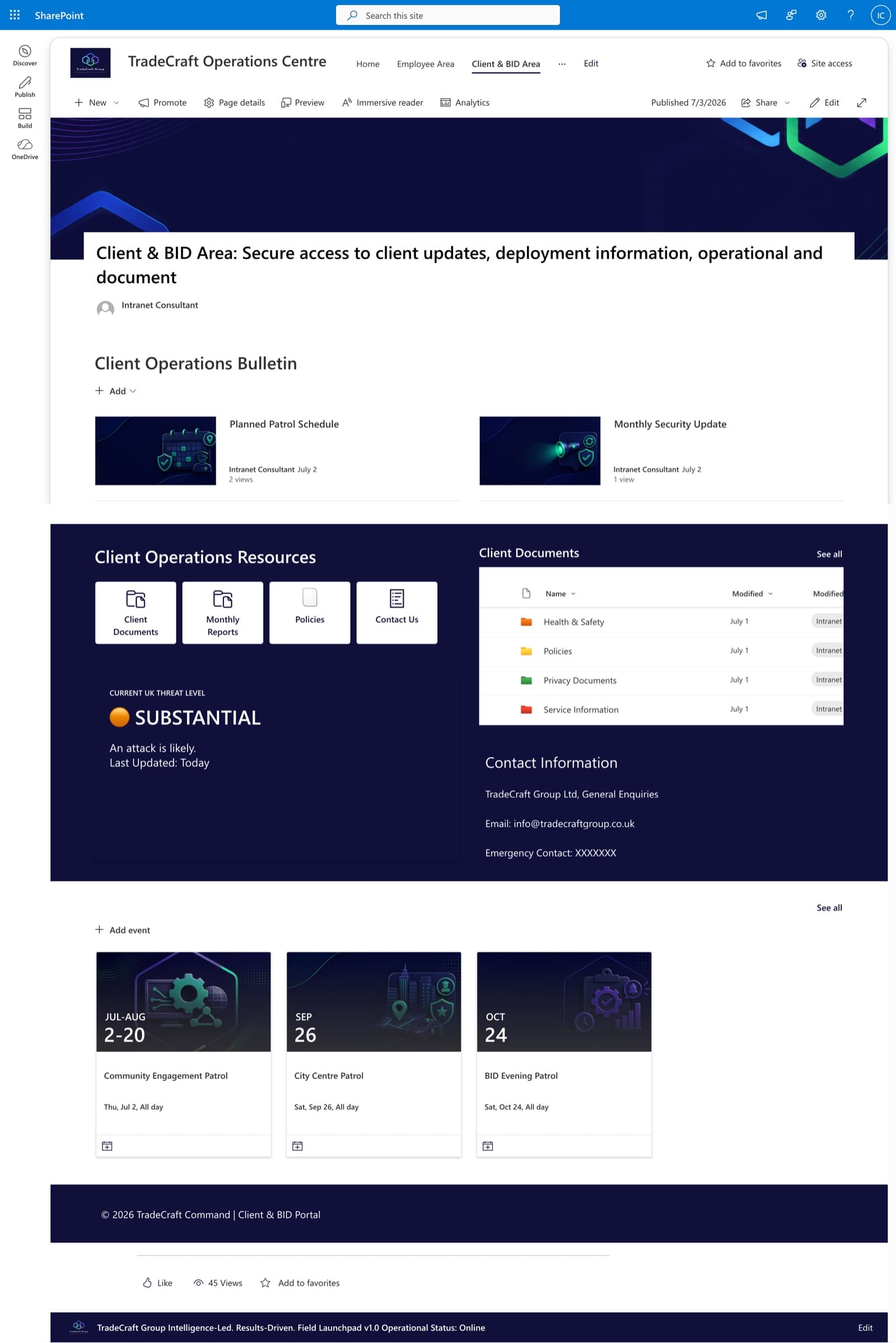
Client & BID Information Centre
A secure client-facing portal with company updates, policies, threat-level reporting, and self-service document access — scoped with granular permissions.
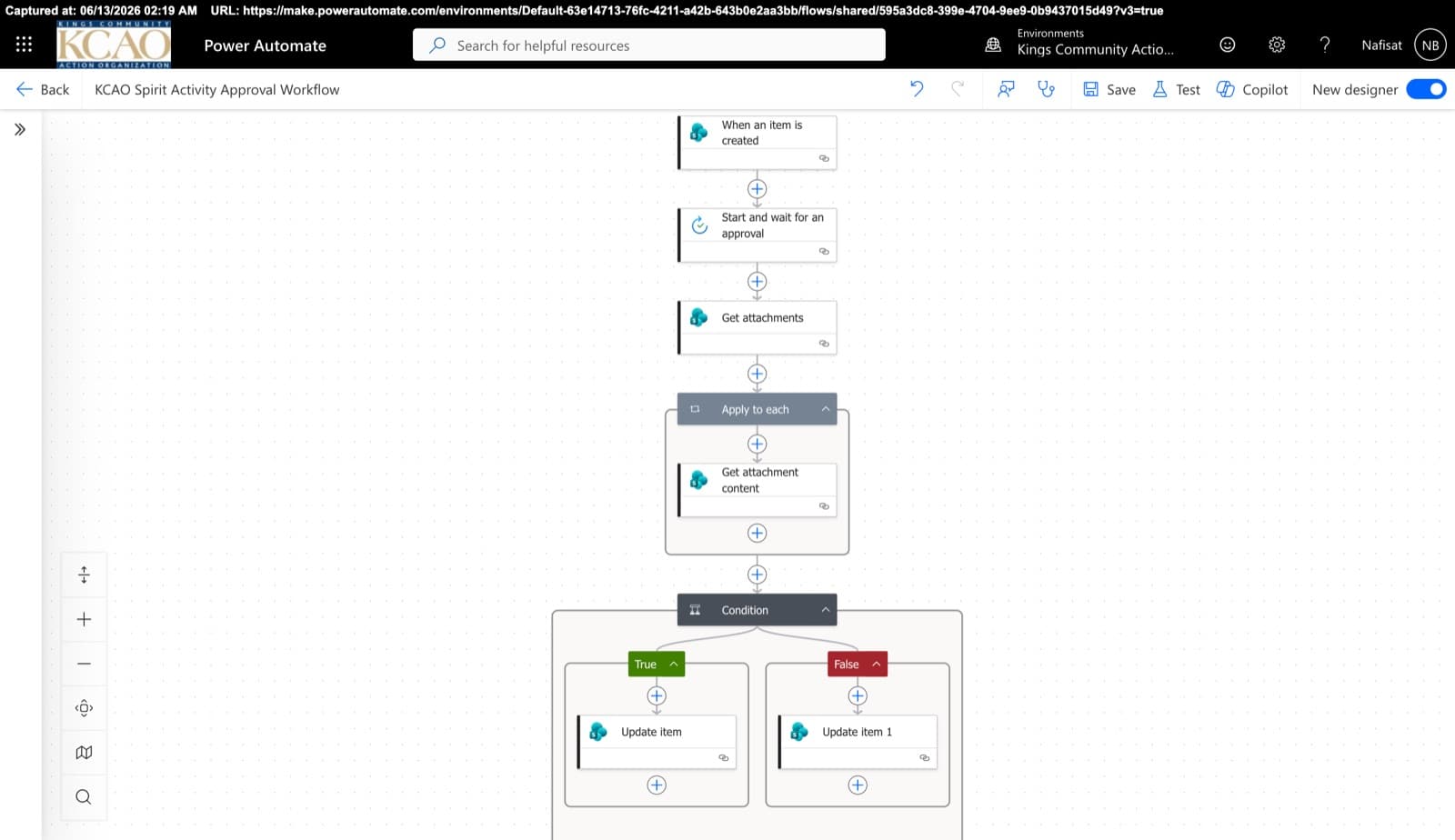
Approvals & Scoring Automation
Automated flows powering the Spirit League and document approvals — attachment handling, multi-stage approvals, and conditional list updates across SharePoint.
Questions
Common questions
We've just gone independent. Can you set up our Microsoft 365 from scratch?+
Yes. That's one of the best times to do it, before files pile up in the wrong places. I'll set up the site structure, client folders, permissions, branding and the basic security settings, so the firm starts organised.
Does this replace our CRM?+
No. Your CRM stays the place for client relationships and tasks. SharePoint holds the documents, and Power Automate can often connect the two so documents and approvals follow the same steps every time.
What about compliance and record keeping?+
SharePoint keeps a version history of every file and a log of activity, and plans that include Microsoft Purview can apply retention settings. I set things up to support your requirements, but your compliance officer or consultant decides what those requirements are.
How does pricing work?+
Every project is fixed-price, agreed before any work starts, so there are no surprise invoices. After a free 15-minute call I send a clear quote with what's included and the timeline.
Can you work with us remotely?+
Yes. I'm based in Ibadan, Nigeria and work remotely with businesses worldwide. We meet on video calls and I build directly inside your Microsoft 365.
Free download · PDF
The Microsoft 365 Setup Checklist
9 steps to set up SharePoint, permissions and security properly, as a printable tick-box list. Starting fresh or tidying up years of “we'll sort it later”.
Further reading
- You're Paying for Microsoft 365. Here's What Setting It Up Properly Actually Looks LikeMost businesses use Outlook and Teams and leave the rest of Microsoft 365 untouched. A practical, nine-step checklist for setting it up properly — whether you're starting fresh or have been on it for years.
- Clients Can't Open Your SharePoint Links? What's Changing This Month and How to Fix ItMicrosoft is retiring the one-time codes that let outsiders open SharePoint and OneDrive files. Clients, accountants and contractors without a guest account will start seeing “access denied”. Here's who's affected and the five-minute fix.
- 5 Signs Your Business Has Outgrown Shared Drives (and What to Do About It)Emailing files around, chasing approvals, retyping the same data? Five signs your business has outgrown shared drives and spreadsheets — and how Microsoft 365 fixes each one, fast.
Setting up your new firm?
Book a free call. We'll look at what you have and what you need.
Book a free call