For nonprofits & charities · Staff, volunteers and trustees
SharePoint & Microsoft 365 for nonprofits
Nonprofits run on small teams, changing volunteers and tight deadlines. When files live in personal accounts, a staff member leaving can take years of work with them, and finding the latest policy, board paper or grant report becomes a hunt.
I set up Microsoft 365 so your organisation owns its information: one hub for policies and onboarding, a secure area for trustees, a tracker for grants and deadlines, and simple forms and approvals handled by Power Automate. It's built inside the Microsoft 365 you already have, which many nonprofits get through Microsoft's nonprofit offers.
Sounds familiar?
Signs you need this
- —Important files sit in personal email or OneDrive accounts.
- —New staff and volunteers don't know where anything lives.
- —Board papers go out as email attachments every meeting.
- —Grant deadlines and reports are tracked in someone's head or a spreadsheet.
- —Expense claims and sign-up forms are still on paper.
What you get
What I set up for you
An organisation hub
Policies, procedures, forms and news in one place, with a "start here" page so new staff and volunteers find their way on day one.
A secure board area
A private space for trustees with board papers, minutes and policies, including trustees who use their own email addresses.
Grant and deadline tracker
A Microsoft List of every grant, funder and report due, with reminders sent before each deadline.
Forms and approvals
Volunteer sign-ups, expense claims and requests submitted online and routed for approval with Power Automate.
Files the organisation owns
Shared work moved out of personal accounts into team sites, so nothing is lost when people move on.
Permissions that fit
Clear access for staff, volunteers and trustees, so everyone sees what they need and sensitive files stay protected.
How it works
Four steps, no surprises
- 01
Discovery
A free call about your goals, your bottlenecks and your existing tenant.
- 02
Design
Site structure, permissions and page layouts agreed before anything is built.
- 03
Build
Delivered in days, inside your own Microsoft 365.
- 04
Launch & train
Rollout, short training for your site owners, and support after go-live.
Examples
Related work
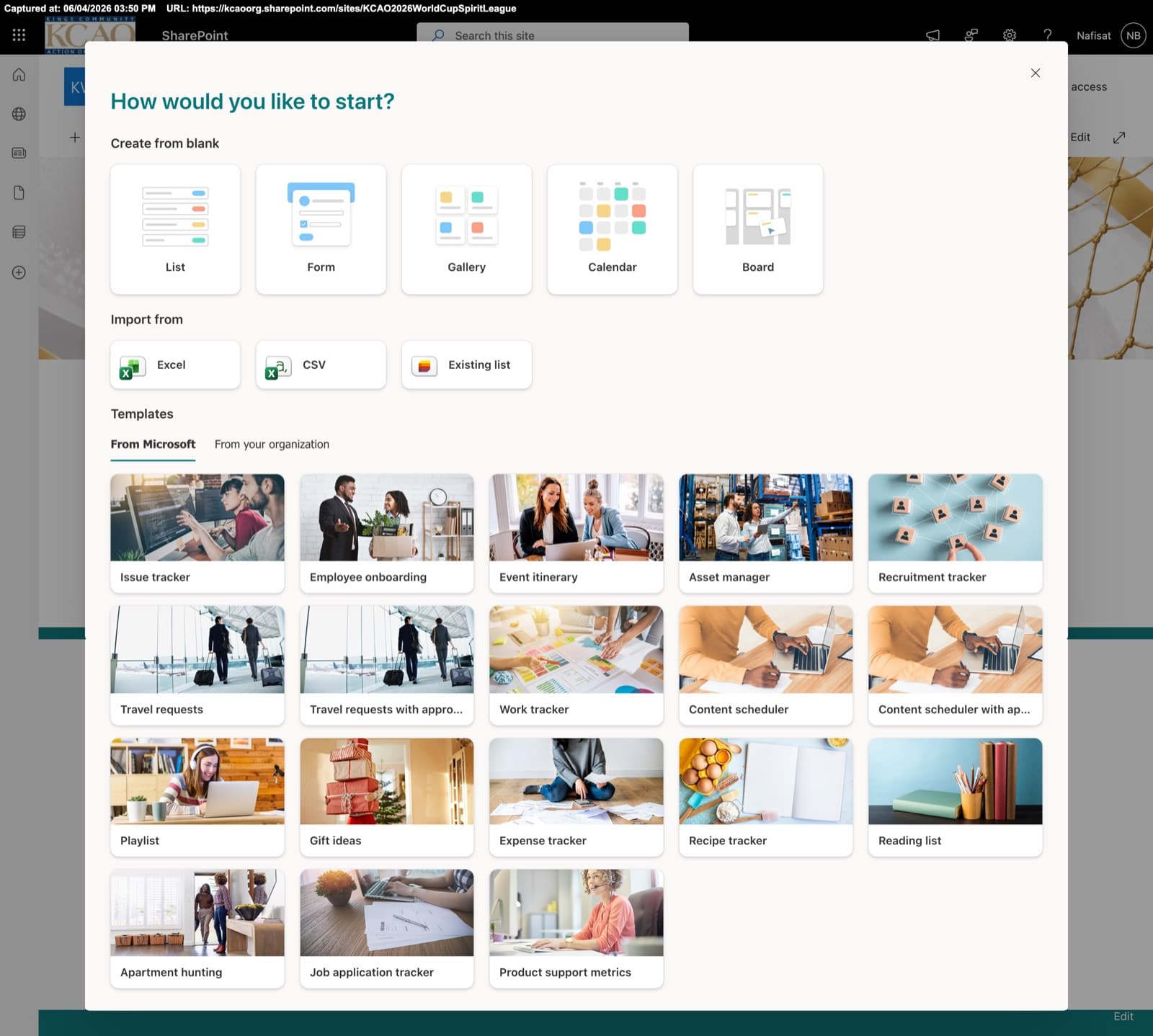
KCAO 2026 World Cup Spirit League
A company-wide engagement site for a World Cup spirit league — team standings, match results, leaderboards, photo galleries, and community features.
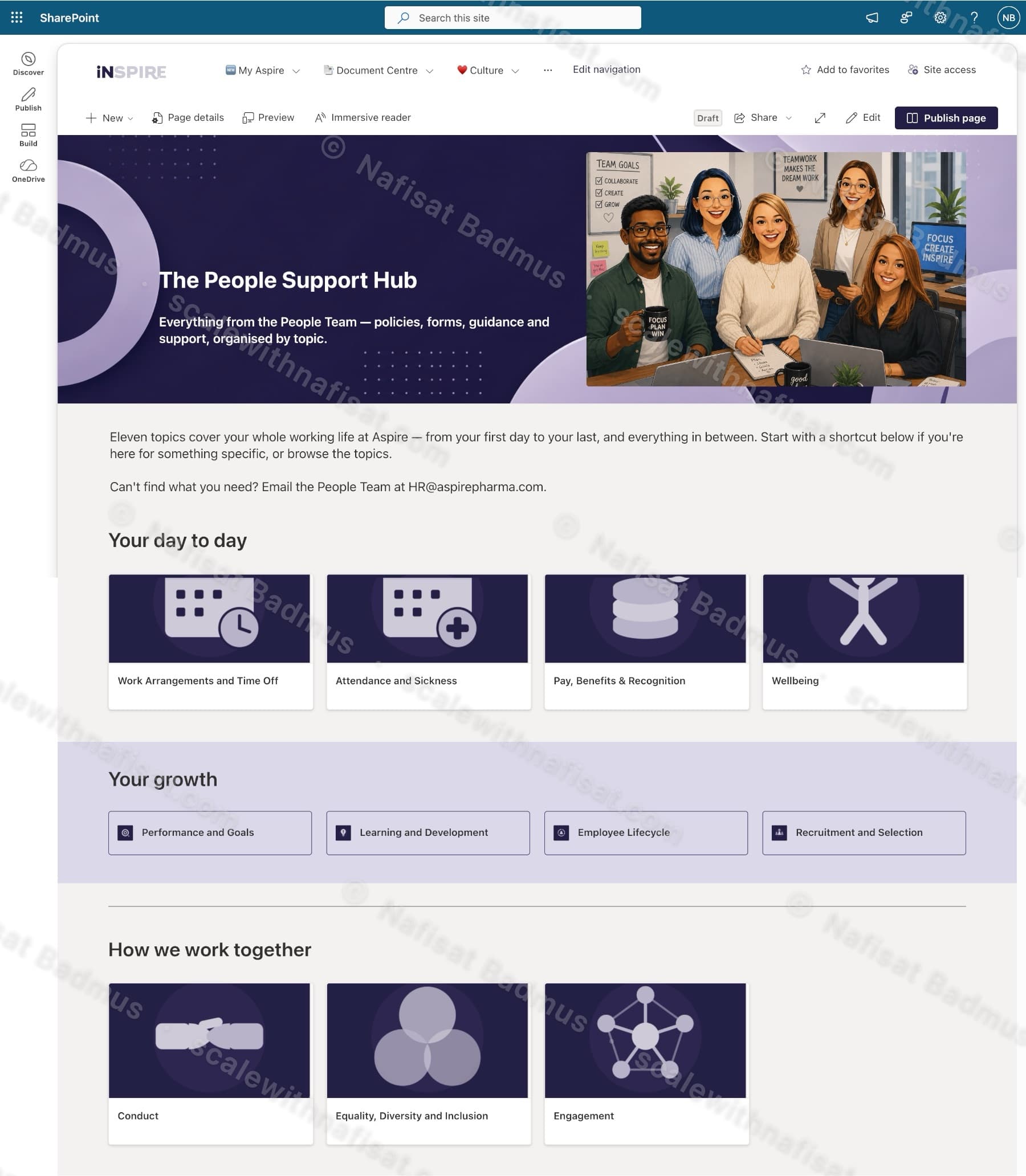
The People Support Hub
An HR knowledge hub for a pharmaceutical company — eleven policy topics, quick-access shortcuts, news, values awards, and a People Team directory in one branded SharePoint site.
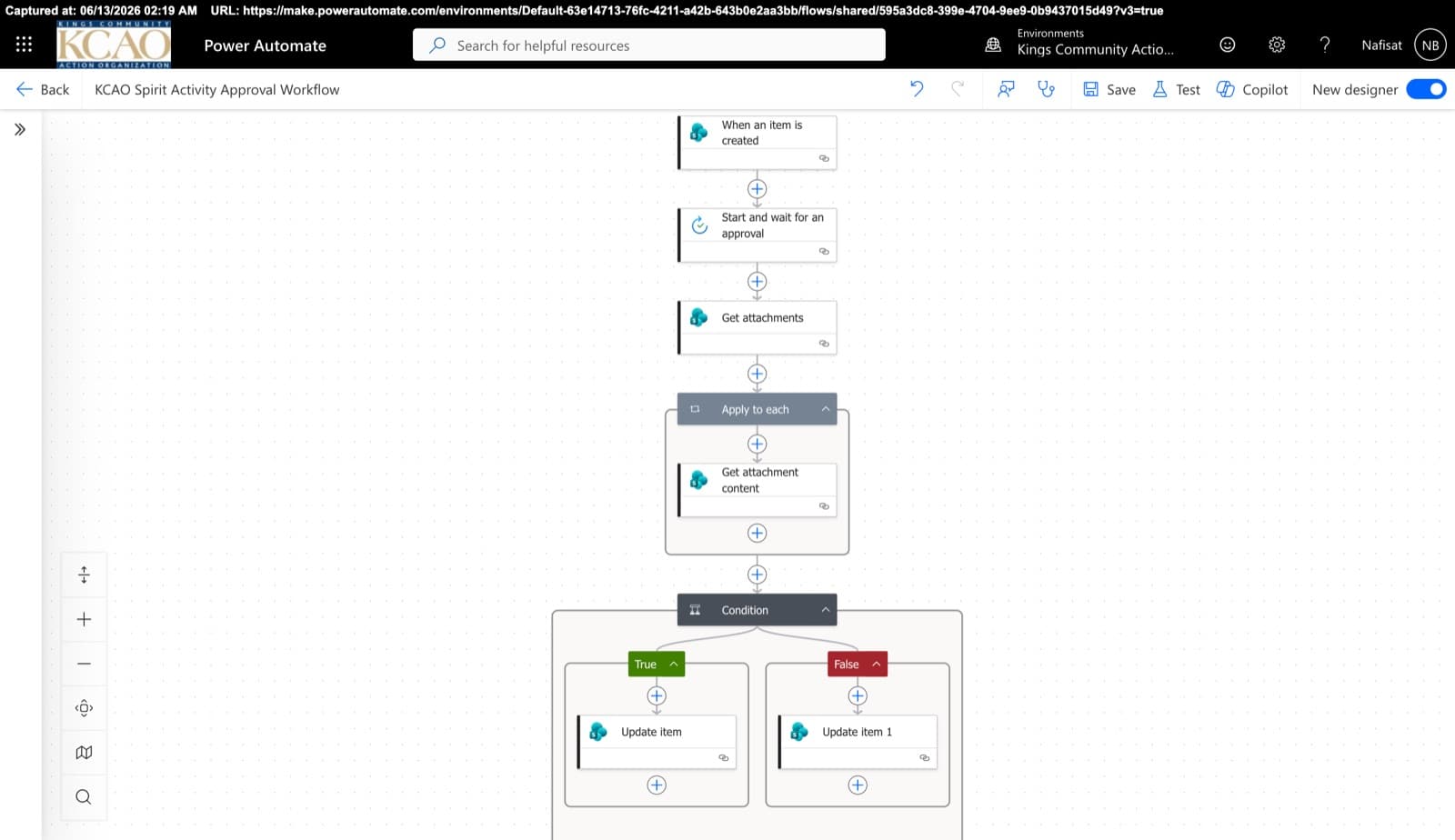
Approvals & Scoring Automation
Automated flows powering the Spirit League and document approvals — attachment handling, multi-stage approvals, and conditional list updates across SharePoint.
Questions
Common questions
Can you help with Microsoft's nonprofit offers?+
Microsoft offers eligible nonprofits donated and discounted Microsoft 365 licences. I can help you check what your organisation already has, and set up whatever licences you use properly.
Can trustees and volunteers get access without a company account?+
Yes. Trustees and volunteers can be invited as guests to the specific areas they need, using their own email addresses.
We have very little budget. Is this for us?+
Often, yes. Most of the value comes from setting up tools you already have, and the work is fixed-price and agreed upfront, so you know the cost before anything starts.
How does pricing work?+
Every project is fixed-price, agreed before any work starts, so there are no surprise invoices. After a free 15-minute call I send a clear quote with what's included and the timeline.
Can you work with us remotely?+
Yes. I'm based in Ibadan, Nigeria and work remotely with businesses worldwide. We meet on video calls and I build directly inside your Microsoft 365.
Free download · PDF
The Microsoft 365 Setup Checklist
9 steps to set up SharePoint, permissions and security properly, as a printable tick-box list. Starting fresh or tidying up years of “we'll sort it later”.
Further reading
- 5 Signs Your Business Has Outgrown Shared Drives (and What to Do About It)Emailing files around, chasing approvals, retyping the same data? Five signs your business has outgrown shared drives and spreadsheets — and how Microsoft 365 fixes each one, fast.
- You're Paying for Microsoft 365. Here's What Setting It Up Properly Actually Looks LikeMost businesses use Outlook and Teams and leave the rest of Microsoft 365 untouched. A practical, nine-step checklist for setting it up properly — whether you're starting fresh or have been on it for years.
- Clients Can't Open Your SharePoint Links? What's Changing This Month and How to Fix ItMicrosoft is retiring the one-time codes that let outsiders open SharePoint and OneDrive files. Clients, accountants and contractors without a guest account will start seeing “access denied”. Here's who's affected and the five-minute fix.
Want your organisation's information in one place?
Book a free call. We'll look at what you have and what you need.
Book a free call