Service · Power Apps
Business apps that replace spreadsheets and paper forms
Power Apps lets your team log, track and approve work on a laptop or phone, with the data kept safely in your Microsoft 365 instead of in scattered spreadsheets.
I've delivered 20+ Power Apps, from simple request forms to a full dispatch and case-management system for a field-security company.
Sounds familiar?
Signs you need this
- —Several people edit the same spreadsheet, and it breaks or gets overwritten.
- —Field staff fill in paper forms that someone re-types later.
- —You can't see the status of a request without asking someone.
- —Important records live in one person's files or inbox.
- —You've been quoted for custom software when you already pay for Microsoft 365.
What you get
What I set up for you
Apps built around your process
Screens for logging, searching, reviewing and approving work, designed with the people who will use them every day.
Works on phone and laptop
The same app on desktop, tablet and phone, so field staff can submit from where the work happens.
Data you can trust
Records stored in SharePoint lists or Dataverse, with the right people able to see and edit the right things.
Connected to your workflows
Power Automate flows for approvals, notifications and documents, so submitting in the app starts the next step.
Search and status at a glance
Live search, filters and status views so anyone can see where a case or request stands.
Training and handover
A short training session, a simple guide for users, and support after go-live.
How it works
Four steps, no surprises
- 01
Discovery
A free call about your goals, your bottlenecks and your existing tenant.
- 02
Design
Site structure, permissions and page layouts agreed before anything is built.
- 03
Build
Delivered in days, inside your own Microsoft 365.
- 04
Launch & train
Rollout, short training for your site owners, and support after go-live.
Examples
Apps I've built
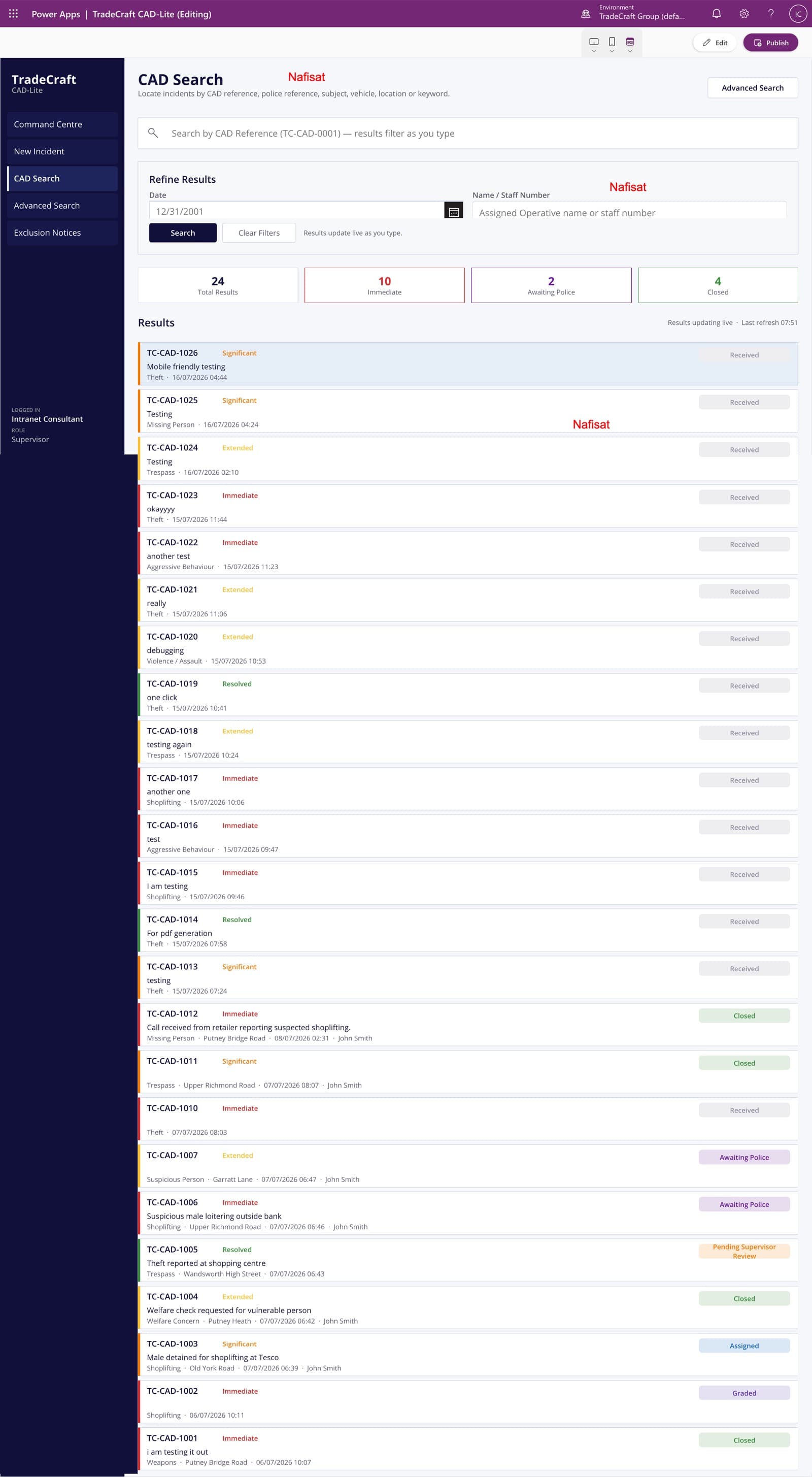
TradeCraft CAD-Lite
A computer-aided dispatch and case management app — incident logging, live search and grading, supervisor approvals, and automated exclusion notices.
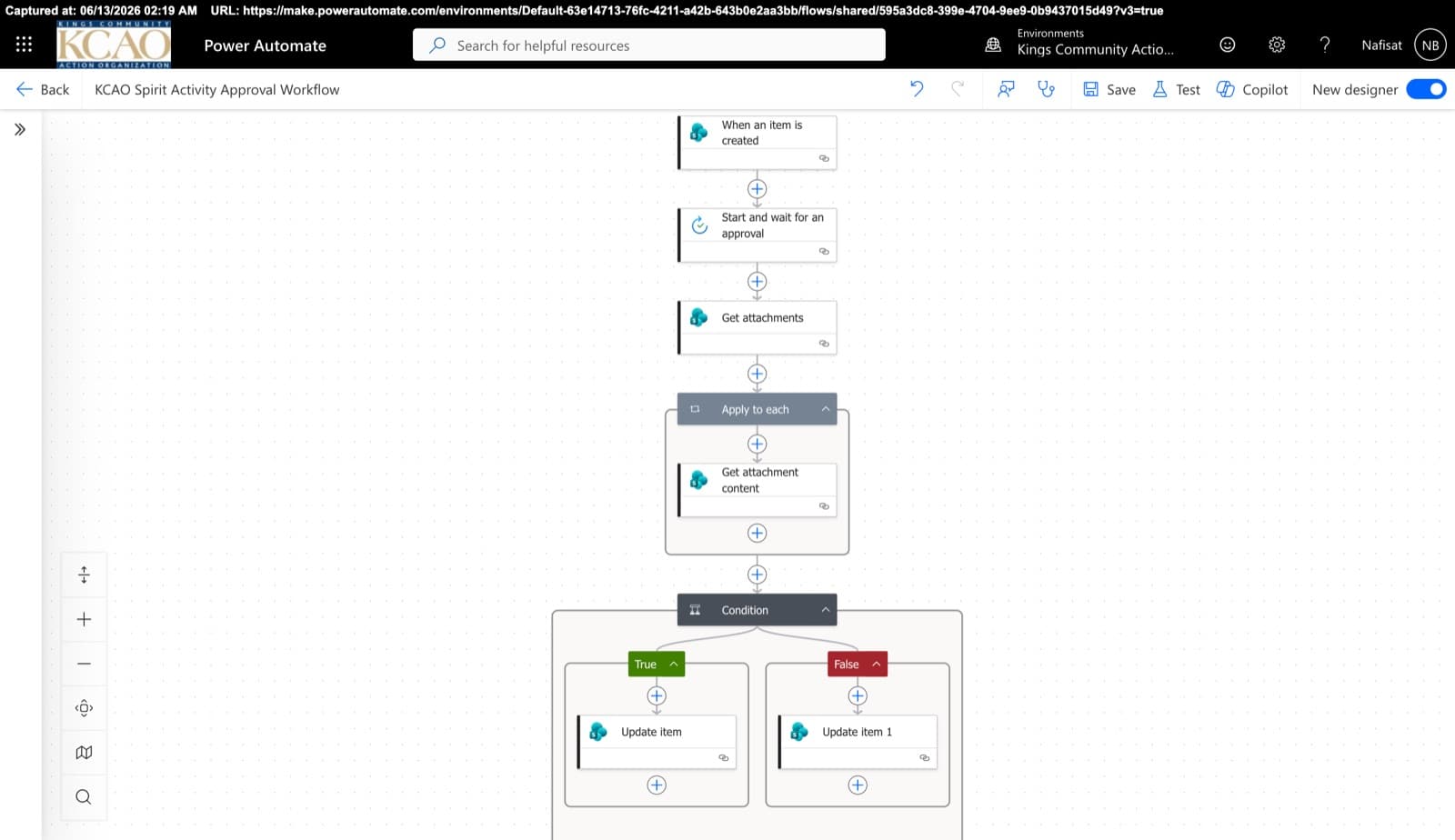
Approvals & Scoring Automation
Automated flows powering the Spirit League and document approvals — attachment handling, multi-stage approvals, and conditional list updates across SharePoint.
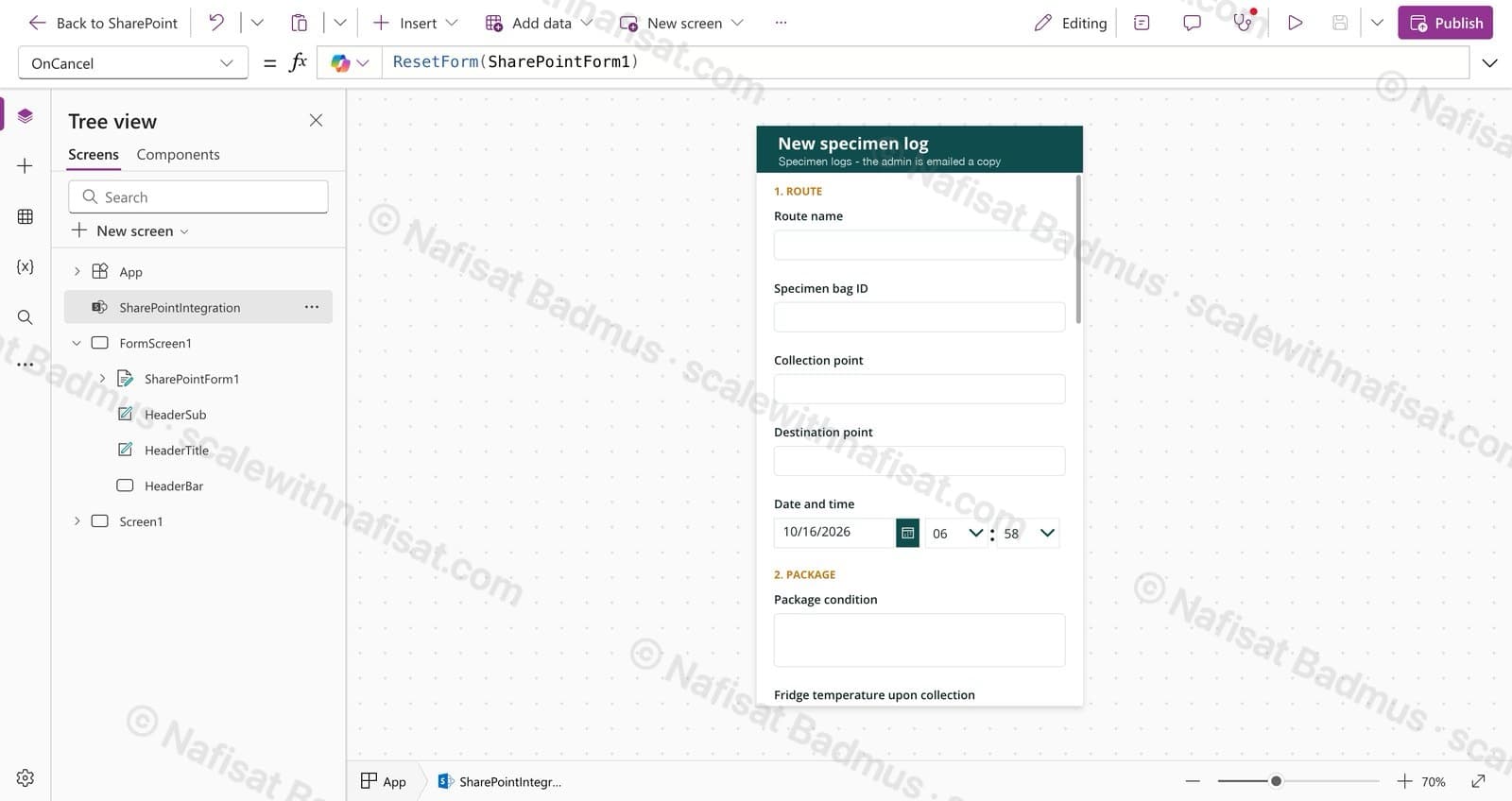
Specimen Collection Log
A mobile-friendly log for drivers moving medical specimens: one form on SharePoint, photo evidence, and an instant email to the admin for every handover.
Questions
Common questions
Is Power Apps included in Microsoft 365?+
Most Microsoft 365 business plans let you build and use apps that connect to SharePoint, Outlook and Teams at no extra cost. Apps that use Dataverse or premium connectors need a Power Apps licence. I'll recommend the simplest option that fits your needs.
Canvas app or model-driven app: which do we need?+
Canvas apps give full control over the screens and suit forms, field work and simple tracking. Model-driven apps suit larger, data-heavy processes. Many businesses start with a canvas app on SharePoint lists.
Can our team use it on their phones?+
Yes. Power Apps runs in the Power Apps mobile app and in a web browser, so staff can use it on iPhone, Android, tablets and laptops.
Can we change the app later?+
Yes. Apps are built inside your own tenant, so you own them. I can add features later or train someone on your team to make small changes.
Can you work with us remotely?+
Yes. I'm based in Ibadan, Nigeria and work remotely with businesses worldwide. We meet on video calls and I build directly inside your Microsoft 365.
Free download · PDF
The Microsoft 365 Setup Checklist
9 steps to set up SharePoint, permissions and security properly, as a printable tick-box list. Starting fresh or tidying up years of “we'll sort it later”.
Further reading
- 5 Signs Your Business Has Outgrown Shared Drives (and What to Do About It)Emailing files around, chasing approvals, retyping the same data? Five signs your business has outgrown shared drives and spreadsheets — and how Microsoft 365 fixes each one, fast.
- You're Paying for Microsoft 365. Here's What Setting It Up Properly Actually Looks LikeMost businesses use Outlook and Teams and leave the rest of Microsoft 365 untouched. A practical, nine-step checklist for setting it up properly — whether you're starting fresh or have been on it for years.
Ready to retire the spreadsheet?
Book a free call. We'll look at what you have and what you need.
Book a free call