For Icelandic businesses · Remote, on your working hours
Microsoft 365 & SharePoint consultant for Icelandic businesses
Most small and growing businesses in Iceland already pay for Microsoft 365, but few get much from it beyond email and Teams. Files end up in personal OneDrive folders and old shared drives, approvals happen by email, and the bigger IT providers are usually built for larger projects than yours.
I'm a specialist Microsoft 365 consultant who works remotely with businesses in Iceland and worldwide. I set up SharePoint so your team can find things, automate the routine work with Power Automate, and replace paper and spreadsheets with Power Apps, all inside the Microsoft 365 you already have. I'm one hour ahead of Iceland all year round, so we share the whole working day.
Sounds familiar?
Signs you need this
- —Your files are spread across email, desktops, personal OneDrive and old shared drives.
- —Nobody is quite sure where the latest version of a document is.
- —Approvals, requests and holiday forms still go round by email.
- —You've outgrown spreadsheets for tracking jobs, clients or equipment.
- —Clients or partners struggle to open the files you share with them.
- —You want a specialist for a focused project, not a long contract with a large IT company.
What you get
What I set up for you
SharePoint your team can find things in
Clear sites, folders and permissions for each team, client or project, so the right people find the right file in seconds and sensitive documents stay protected.
Workflows that run themselves
Power Automate approvals, reminders and hand-offs that replace email chains and make sure nothing waits on someone remembering to chase.
Simple apps for your team
Power Apps forms that work on any phone or laptop, for requests, inspections, logs and site checks, connected to SharePoint.
Microsoft 365 set up properly
Email, OneDrive, Teams and secure sharing with clients and partners, set up with GDPR in mind and documented so your team can run it.
Fixed price, agreed up front
A clear quote before any work starts, so there are no surprise invoices, and a handover with documentation and a short training session.
On Icelandic working hours
Iceland is on GMT all year and I'm on GMT+1, so calls, support and go-live all happen within your normal working day.
How it works
Four steps, no surprises
- 01
Discovery
A free call about your goals, your bottlenecks and your existing tenant.
- 02
Design
Site structure, permissions and page layouts agreed before anything is built.
- 03
Build
Delivered in days, inside your own Microsoft 365.
- 04
Launch & train
Rollout, short training for your site owners, and support after go-live.
Examples
Work I've delivered
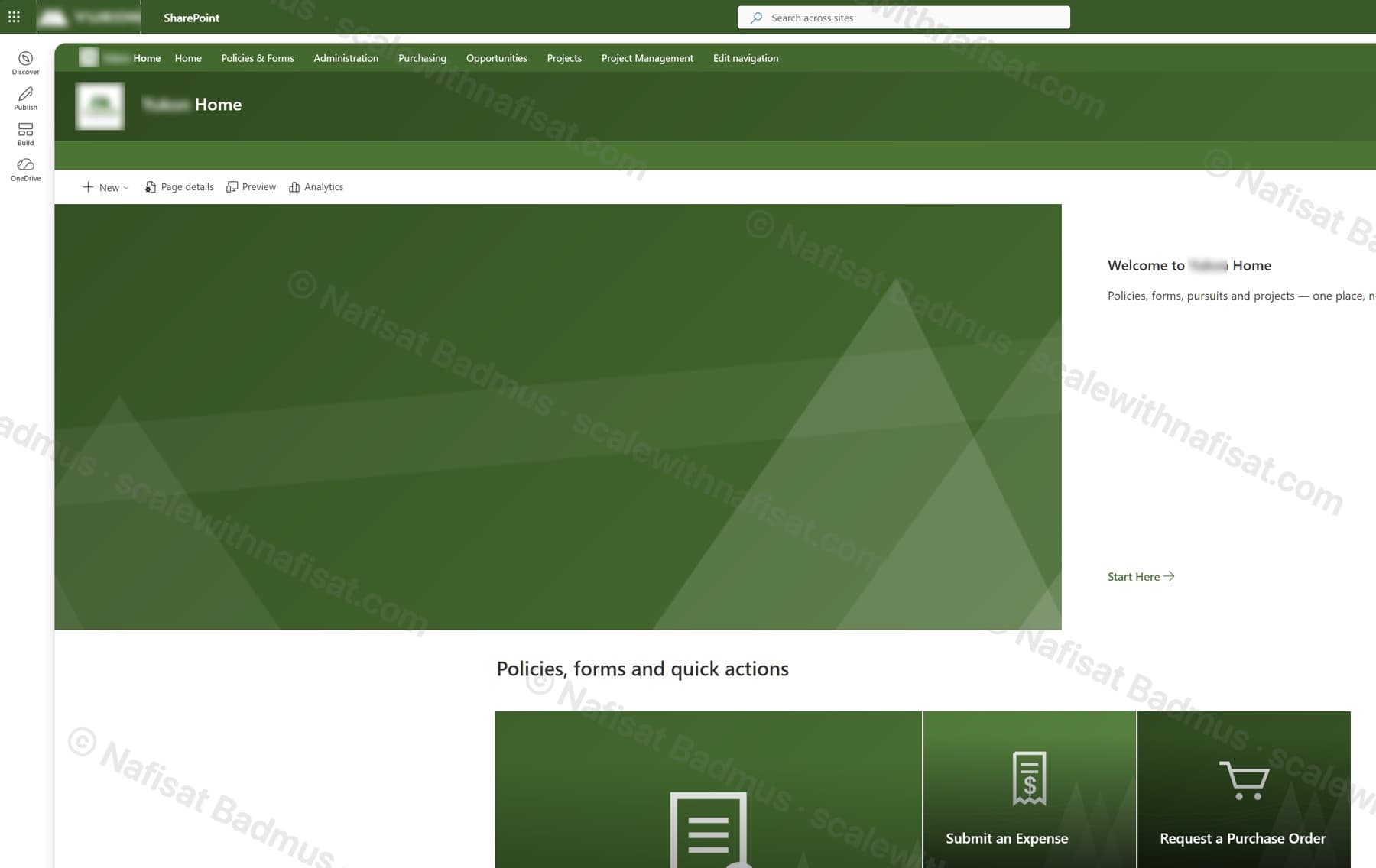
Business-Ready Microsoft 365 Intranet
An untouched Microsoft 365 tenant turned into a branded company intranet — seven sites on one hub, a locked-down records area, sales and project workspaces, all fully scripted.
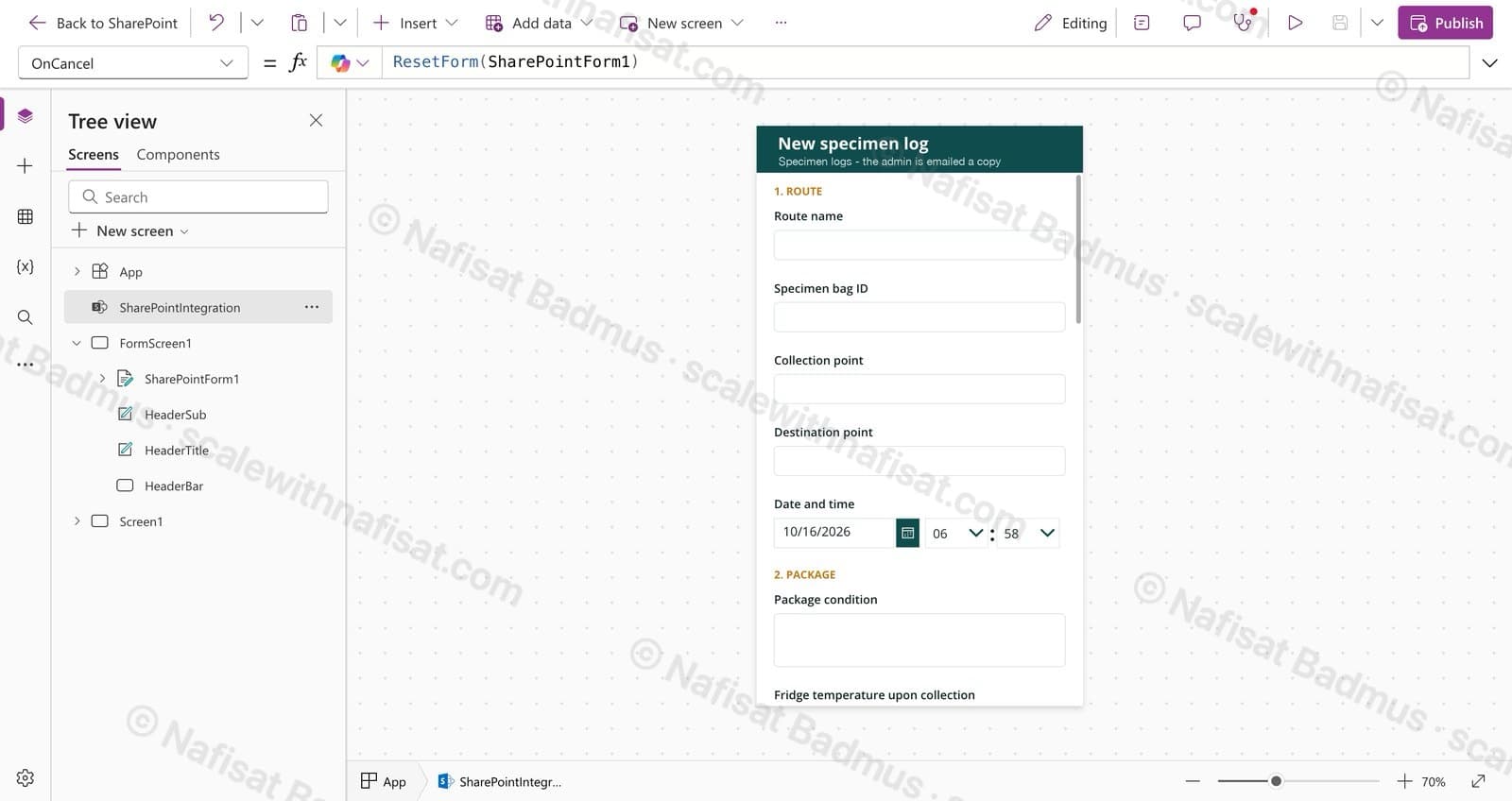
Specimen Collection Log
A mobile-friendly log for drivers moving medical specimens: one form on SharePoint, photo evidence, and an instant email to the admin for every handover.
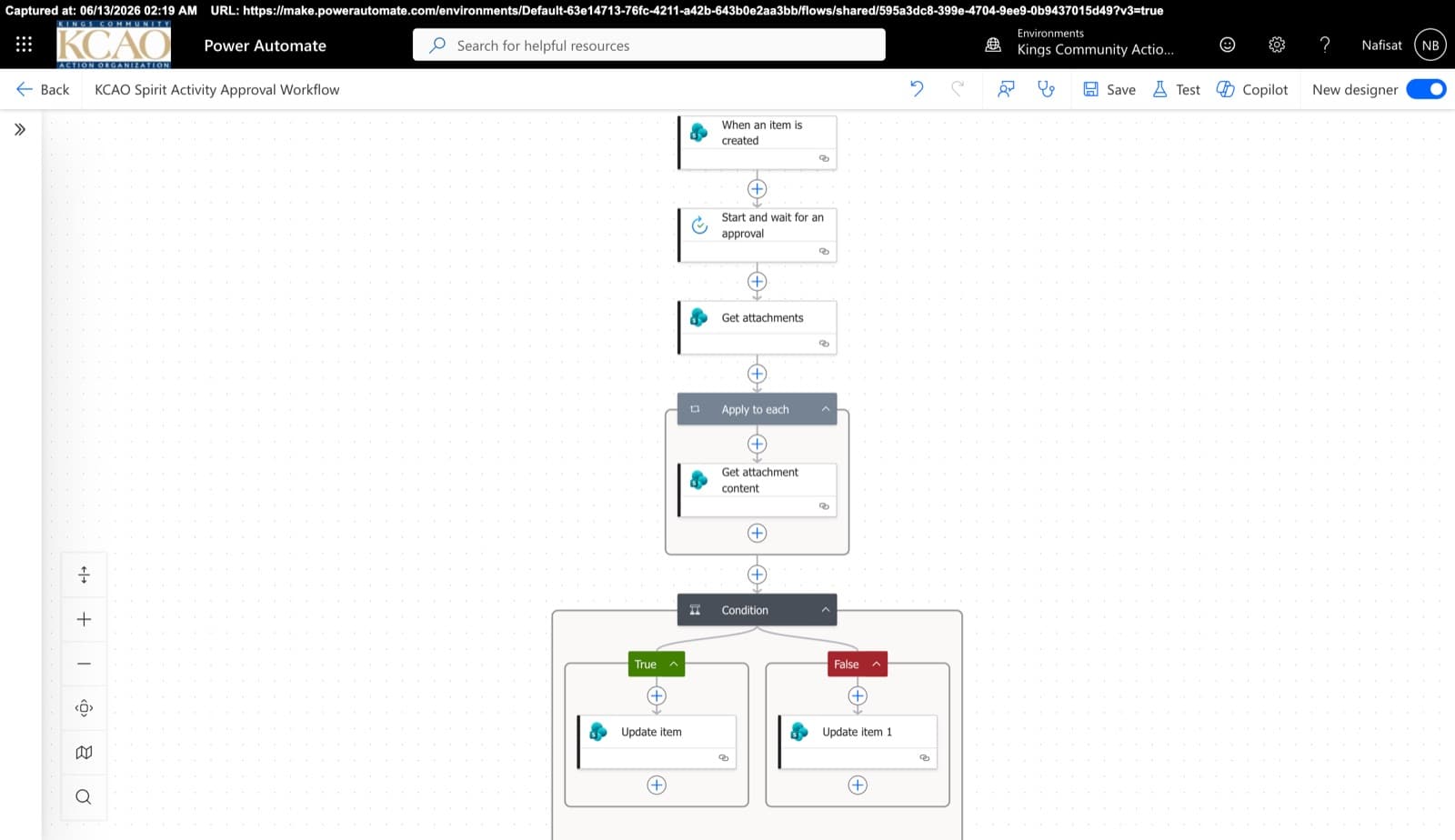
Approvals & Scoring Automation
Automated flows powering the Spirit League and document approvals — attachment handling, multi-stage approvals, and conditional list updates across SharePoint.
Questions
Common questions
Do you work with businesses in Iceland?+
Yes. I work remotely with businesses in Iceland, Europe, the UK and the US. We meet on video calls, and I build directly inside your Microsoft 365, so there's nothing to install and no need for an on-site visit.
Do you work in Icelandic?+
I work in English. Most Icelandic businesses are comfortable working in English, and everything I build, such as site names, folders and forms, can use Icelandic labels for your team.
What time zone do you work in?+
I'm based in Nigeria on West Africa Time (GMT+1), one hour ahead of Iceland all year round. Our working days overlap completely, so calls and support happen during your normal hours.
How does pricing work?+
Every project is fixed-price and agreed before work starts. After a free 15-minute call I send a clear quote with what's included and the timeline, and payment goes through Upwork in US dollars, so your money is protected until the work is delivered.
Why not use a large Icelandic IT provider?+
Large providers are a good fit for big infrastructure and enterprise projects. If you need a focused SharePoint, Power Apps or Power Automate project done properly and quickly, a specialist is often faster and more affordable, and you work directly with the person building it.
Free download · PDF
The Microsoft 365 Setup Checklist
9 steps to set up SharePoint, permissions and security properly, as a printable tick-box list. Starting fresh or tidying up years of “we'll sort it later”.
Further reading
- You're Paying for Microsoft 365. Here's What Setting It Up Properly Actually Looks LikeMost businesses use Outlook and Teams and leave the rest of Microsoft 365 untouched. A practical, nine-step checklist for setting it up properly — whether you're starting fresh or have been on it for years.
- OneDrive vs SharePoint vs Teams: Where Should Your Business Save Files?OneDrive, SharePoint and Teams all store files, so most teams end up using all three at random. Here's a simple rule for what goes where, the one mistake that loses files when people leave, and how to set it up properly.
- Office 2021 Support Has Ended: What It Means for Your Business and What to Do NextMicrosoft stopped supporting Office 2021 on 13 October 2026. Your Word, Excel and Outlook still open, but they no longer get security fixes, and they're no longer supported for connecting to Microsoft 365 email and files. Here's how to check what you have, and the simplest way to move on.
Want your Microsoft 365 working properly?
Book a free call. We'll look at what you have and what you need.
Book a free call