Service · Before you roll out Copilot
Get SharePoint ready for Copilot, and findable again
Copilot can only see what your staff can see. If files are overshared, it will happily surface salaries, contracts and HR notes to anyone who asks. If your SharePoint is years of folders inside folders, duplicate libraries and “Final_v3” files, it will find the wrong version, or nothing at all.
The Copilot Readiness & Findability Audit finds out exactly what is overshared and why documents are hard to find, then gives you a staged plan to fix both, without a risky migration.
Sounds familiar?
Signs you need this
- —You want to roll out Copilot but worry what it will find, or won't.
- —Files are shared with “Everyone” or by “anyone with the link”, and nobody is sure where.
- —Staff re-create documents because they can't find the original.
- —Search returns hundreds of results, or the wrong version first.
- —There are dozens of sites and nobody knows which are still in use.
- —Permissions have been granted person by person for years.
What you get
What I set up for you
Copilot oversharing check
Where sensitive files are open to “Everyone”, shared by anyone-links or visible to the wrong groups, so Copilot doesn't surface them to people who shouldn't see them.
Site and library review
How your sites, libraries and folders are organised today, and where the structure stops people (and Copilot) finding things.
Metadata and content-type plan
The columns and document types that will let people find files by client, type, status or date.
Search configuration fixes
The settings and structure changes that make SharePoint search, and Copilot, return the right document first.
Permissions and sprawl clean-up
Where access has drifted, which sites are unused, and how to tidy both safely.
Lifecycle recommendations
Retention and archiving suggestions so old and duplicate files stop crowding out current ones.
A 30/60/90-day roadmap
A prioritised plan you can act on in stages, with or without my help, without migrating or losing anything.
How it works
Four steps, no surprises
- 01
Discovery
A free call about your goals, your bottlenecks and your existing tenant.
- 02
Design
Site structure, permissions and page layouts agreed before anything is built.
- 03
Build
Delivered in days, inside your own Microsoft 365.
- 04
Launch & train
Rollout, short training for your site owners, and support after go-live.
Examples
Related work
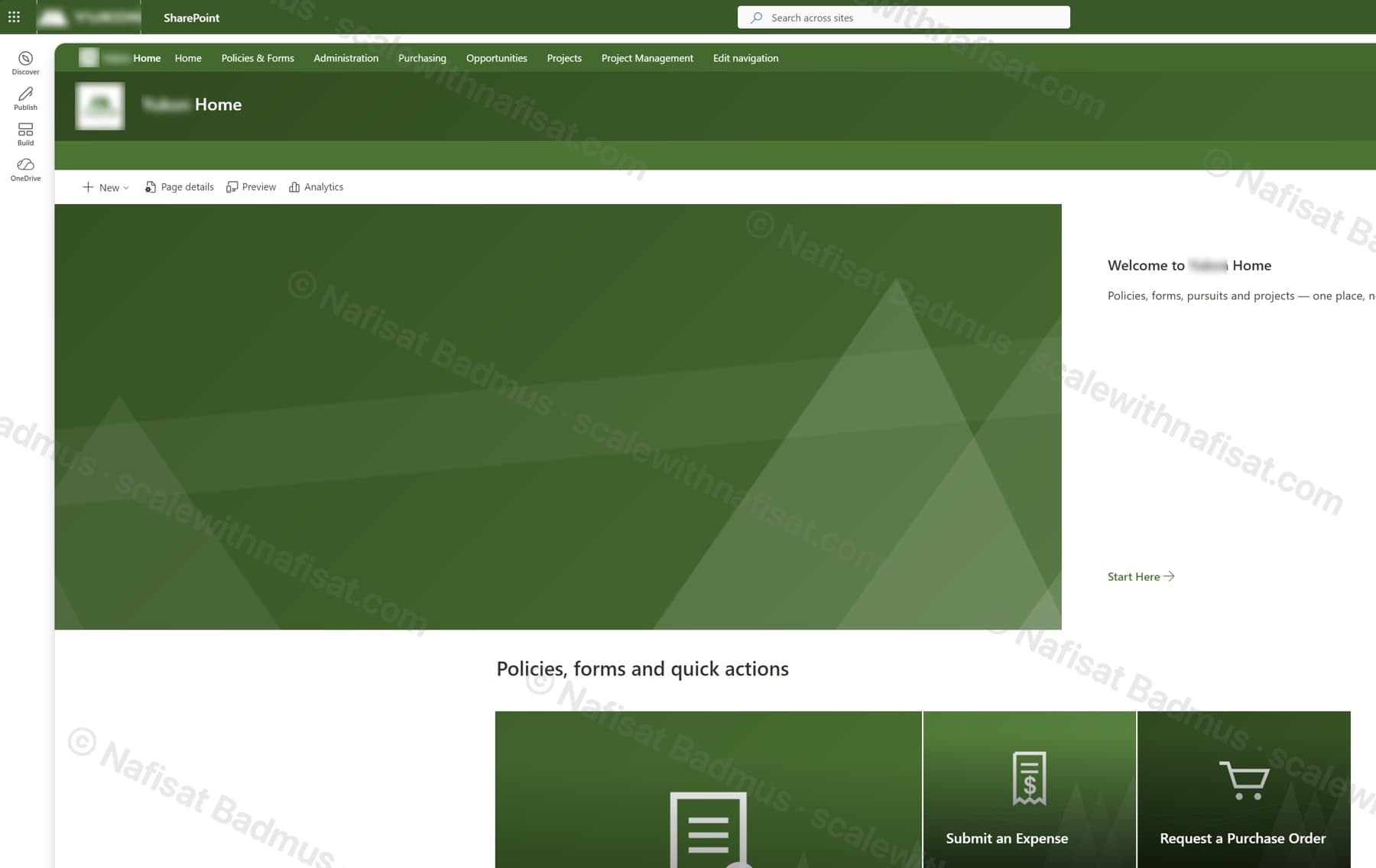
Business-Ready Microsoft 365 Intranet
An untouched Microsoft 365 tenant turned into a branded company intranet — seven sites on one hub, a locked-down records area, sales and project workspaces, all fully scripted.
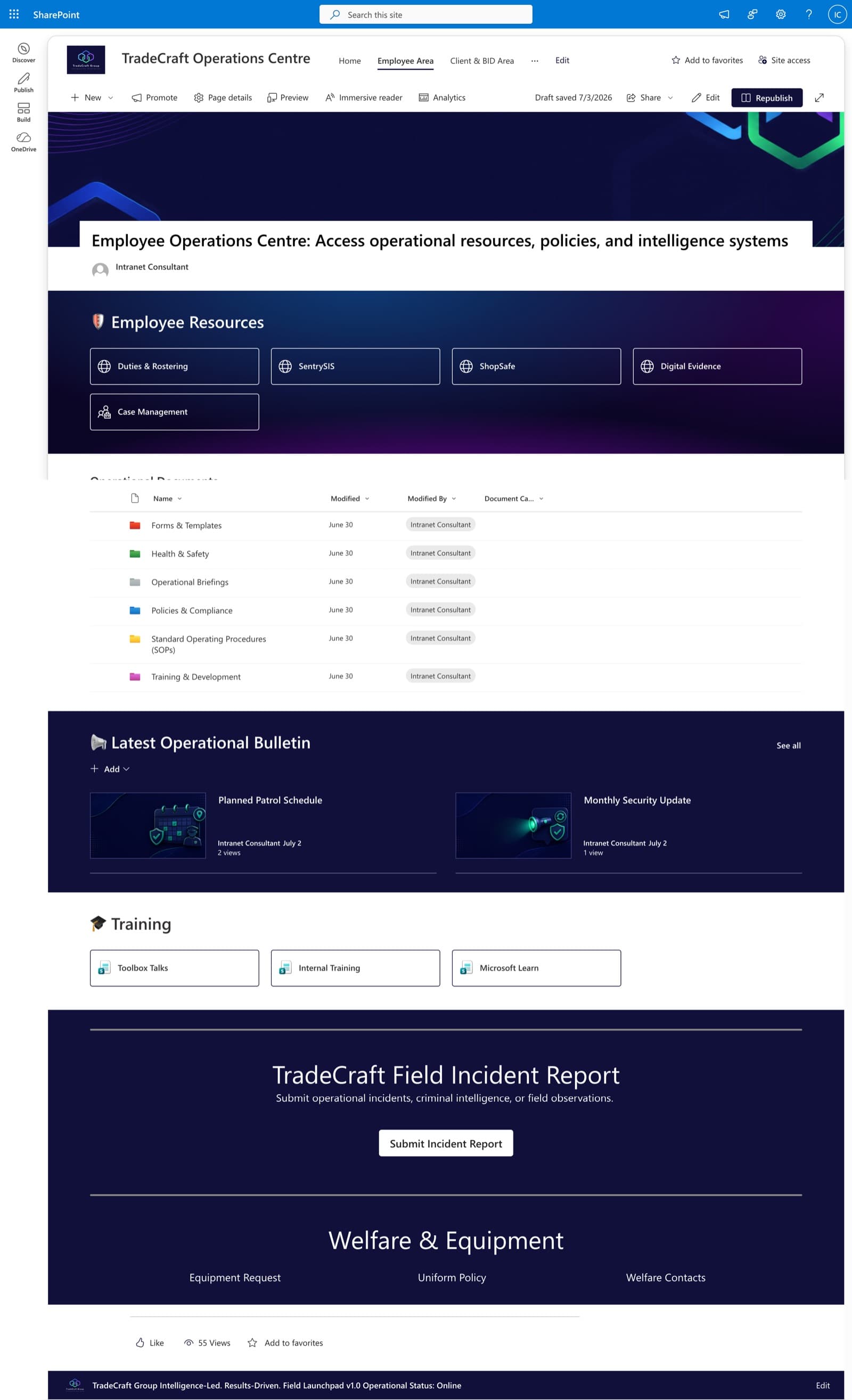
Employee Operations Centre
A dedicated employee area centralizing operational resources — policies, SOPs, training, health & safety, and a one-click field incident report.
Questions
Common questions
What is a Copilot readiness audit?+
A review of your SharePoint and Microsoft 365 before (or soon after) you switch on Copilot. Copilot answers from every file a person has access to, so the audit checks for oversharing and messy structure first, then gives you a plan to fix them.
Do we have to migrate to a new SharePoint?+
No. The audit is designed to fix what you have in stages. Files stay where they are until the plan says it's safe to move them.
Will you change anything during the audit?+
The audit itself is a review. You get findings and a prioritised plan, and you decide what to change and when. I can carry out the fixes afterwards if you'd like.
Is this useful before rolling out Copilot?+
Yes. Copilot works from the same documents and permissions as search. Cleaning up structure and access first means it finds the right files and doesn't surface ones it shouldn't.
Can you work with us remotely?+
Yes. I'm based in Ibadan, Nigeria and work remotely with businesses worldwide. We meet on video calls and review your tenant together.
Free download · PDF
The Microsoft 365 Setup Checklist
9 steps to set up SharePoint, permissions and security properly, as a printable tick-box list. Starting fresh or tidying up years of “we'll sort it later”.
Further reading
- Your SharePoint Is 5 Years Old and Nobody Can Find Anything. Here's Why — and How to Fix ItAfter five-plus years on SharePoint, most organisations hit the same wall: thousands of documents, dozens of sites, and staff who've given up on search. It's fixable without a migration — here's the root cause and a staged plan.
- You're Paying for Microsoft 365. Here's What Setting It Up Properly Actually Looks LikeMost businesses use Outlook and Teams and leave the rest of Microsoft 365 untouched. A practical, nine-step checklist for setting it up properly — whether you're starting fresh or have been on it for years.
Ready to get SharePoint ready for Copilot?
Book a free call. We'll look at what you have and what you need.
Book a free call